An AI photo studio on the PC you already have
A customer takes one photo. A minute later a 4×6 print of them as someone else comes out, and a QR sends it to their phone.
v0.6.1 beta · macOS 13+ · Windows 10+ · Free to install, needs an active account to run



Four taps on the customer's side
These are the kiosk's own screens. Nobody needs to stand next to it.
Pick a style
One of six. Tap it and the camera opens.
Click
Face in the guide, one button. Glasses off looks better.
About 30 seconds
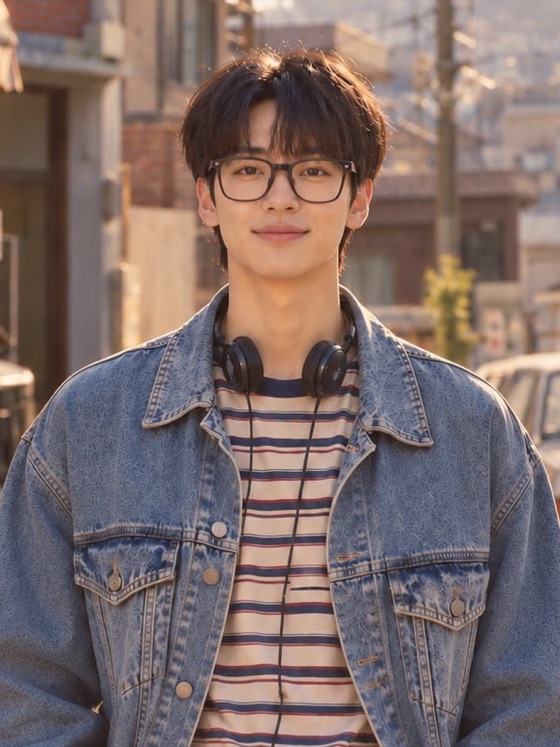
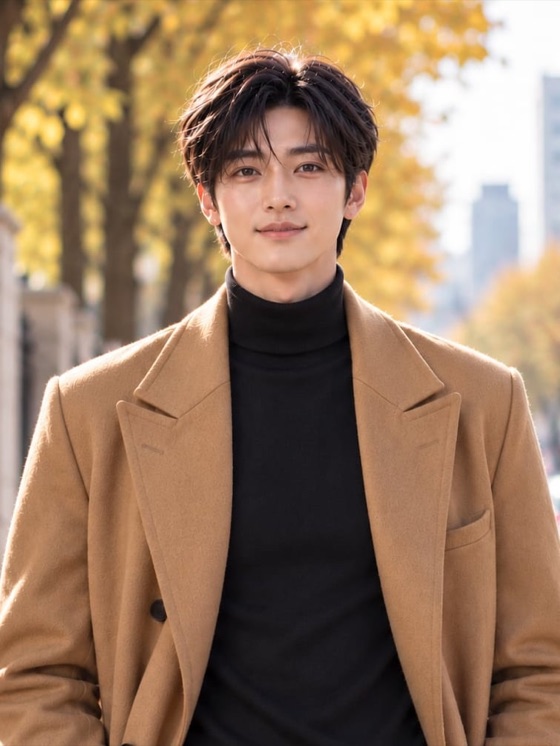
Made on Picture Me's server. Same face, skin tone matched to the customer.
Print + QR
While the 4×6 prints, the QR hands the photo over. Kept for 7 days.
Six looks, a women's and a men's version each
Styles arrive as packs. New ones show up without reinstalling.







Start with the gear you already own
No dedicated machine to buy. Generation runs on the server, so a light PC is fine.
- PCmacOS 13 or later, or Windows 10 or later (64-bit)
- CameraA webcam is enough. Portrait and landscape screens both work.
- PrinterDNP DS-RX1HS with 4×6 mediaNo printer? QR-only mode runs the booth without one.
- InternetGeneration runs on the server. A short outage queues prints and uploads, then sends them.
- ScreenA touch monitor is recommended. A mouse works too.
Switched on and off from the account
Anyone can install the app. Only a machine that signs in and enters a license key runs.
- TermSet per account. When it ends the app locks; the photos stay.
- SeatsOne key, several machines. Remove one and the seat frees up.
- SuspendIf something goes wrong, every machine stops within minutes.
Download
A beta run on invite codes for now. With a code, your account is active right after sign-up.
macOS
v0.6.1 · .dmg · macOS 13+
Windows
v0.6.1 · .exe · Windows 10+ 64-bit
Not notarized by Apple yet. If macOS says it can't verify the app, open System Settings → Privacy & Security and choose Open Anyway.